Forecast Refinement: Business Metrics
Cloud forecasting is most accurate when it doesn’t happen in a silo. Business Metrics allow you to incorporate existing datasets from outside Cloud Capital as inputs to your forecast.
Note: Add Business Metrics to project future consumption based on correlation with another relevant dataset. For example: scale Production costs with # of customers or Annual Revenue.
Adding Business Metrics
To add a new Business Metric, click the + New Business Metric button and give the metric a name. Each metric includes two rows, Forecast and Actuals.
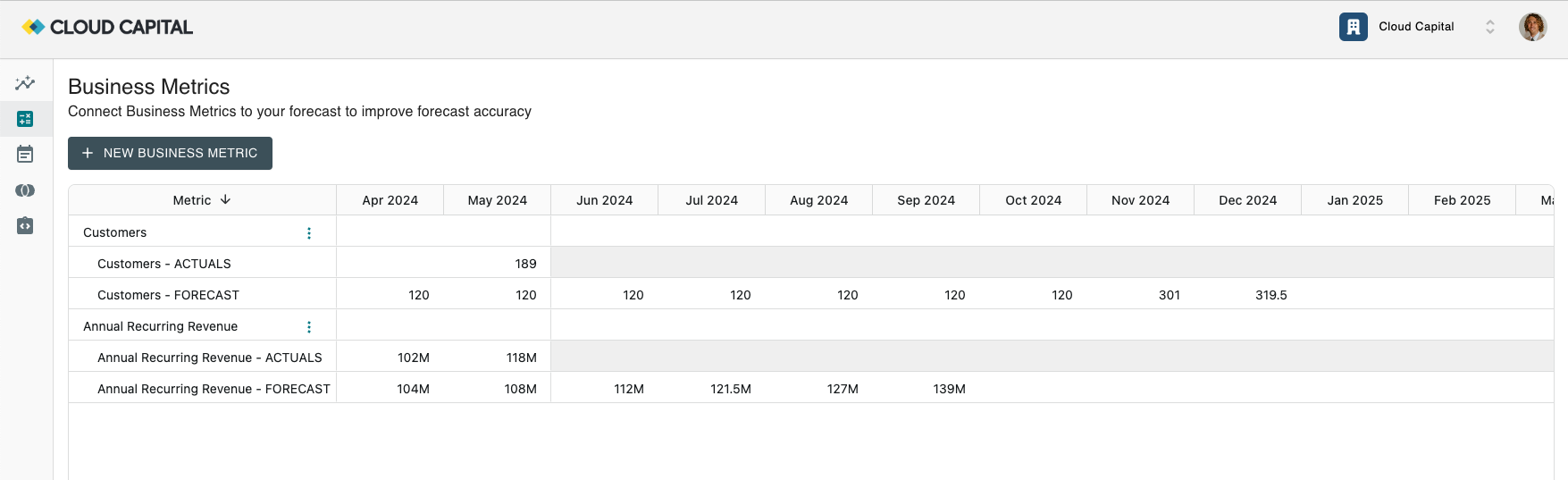
Edit the cells to provide Cloud Capital with the relevant data. It’s okay if you don’t have values for every cell—we’ll interpolate to handle gaps in the dataset. If the forecast projects further into the future than the data you’ve provided, we’ll fall back to a Flat forecast after the final provided metric value.
Note: Cloud Capital will interpolate missing values in your Business Metrics data.
Using Business Metrics in a Forecast
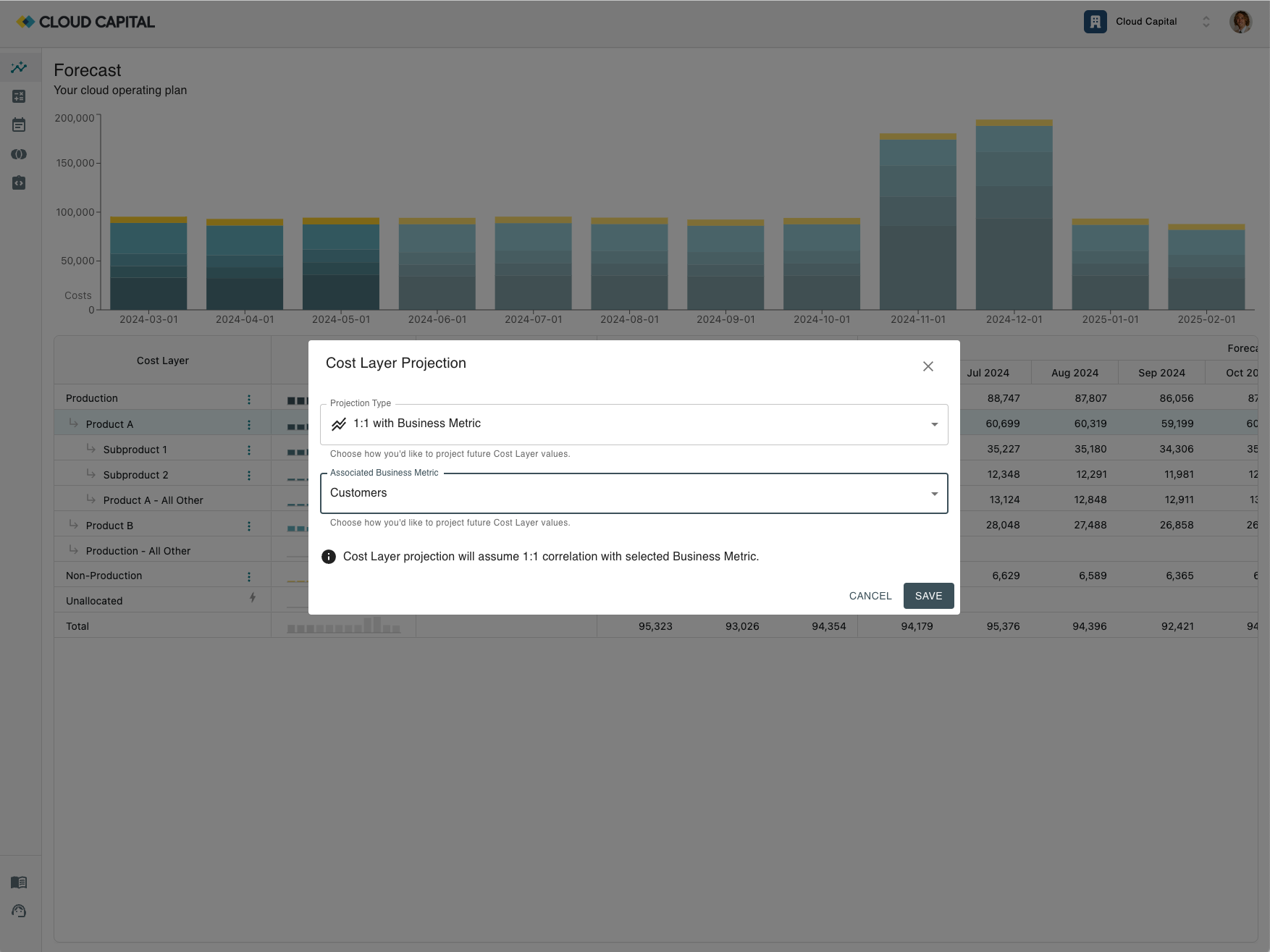
Once created, your Business Metric becomes available to choose when using the “Correlate with Business Metric” or “1:1 with Business Metric” Projection Types.