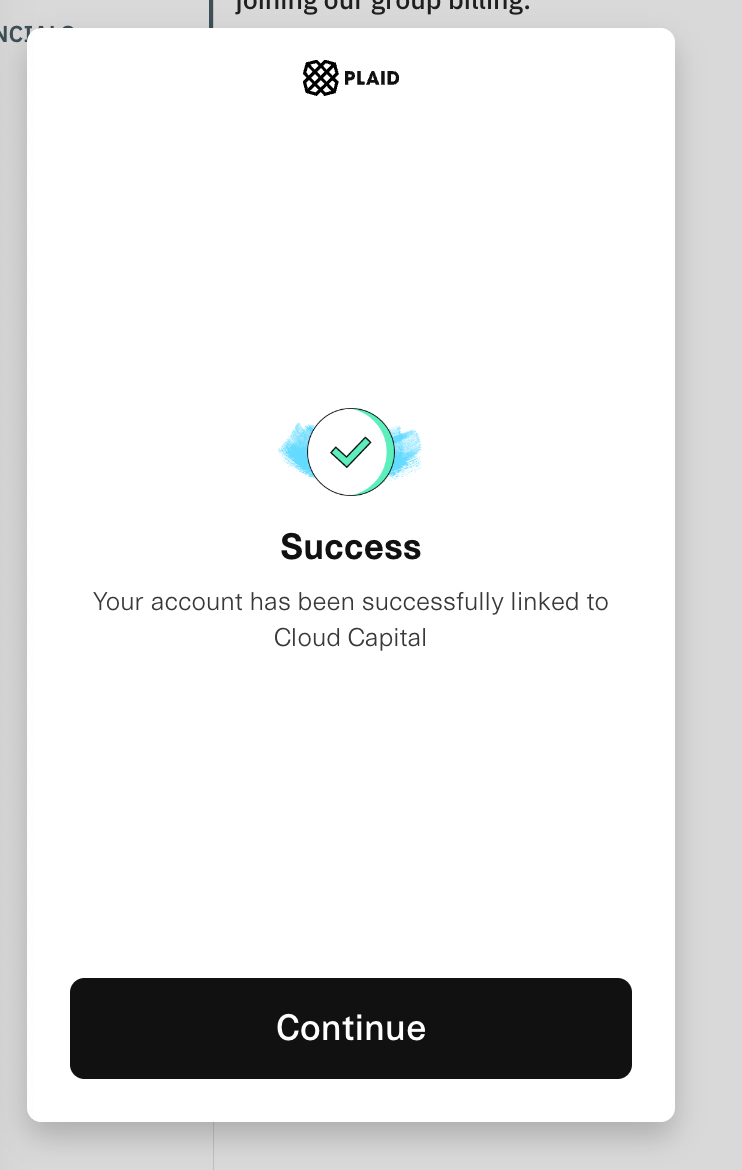
Verify Business Financials
Next, we ask you to connect your Financials via Plaid to enable us to perform ongoing credit assessments.
As Cloud Capital pays your cloud provider and makes long-term financial commitments on your behalf, we require verification of your company’s financial health. Connecting your bank account allows us to assess your creditworthiness and enables ongoing credit monitoring to manage risk and ensure smooth billing and service continuity.
Instructions
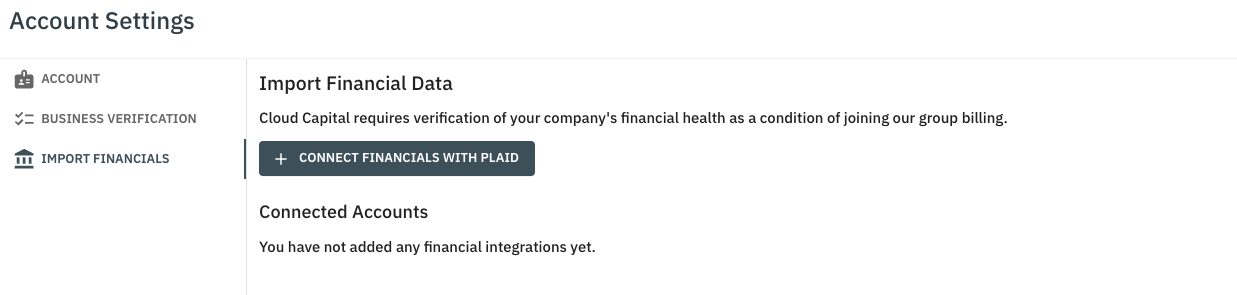
- Navigate to Account Settings and click “Import Financials”.
- Click “Connect Financials with Plaid”
- Plaid supports multiple connections, please connect your main business account(s).
- A new window will open showing the Plaid integration, click “Continue”.
- Select your main banking institution.
- Click “Continue to Login”, this will open a new browser.
- Sign into your banking institution.
- Select your core business accounts.
- Confirm your selection by clicking “Connection account information”.